Most people don’t forget appointments because their memory is bad. They forget because the appointment never made it anywhere reliable: the card went in a pocket, the plan was “I’ll add it later,” and later never came. Then, when it does make it into a calendar, a single alert fires too late to change anything. Four things fix that.
1. Capture it where you book it.
The moment you book is the moment to save it, standing at the front desk with someone waiting behind you. That’s also the worst moment to type. Saying it takes a few seconds.
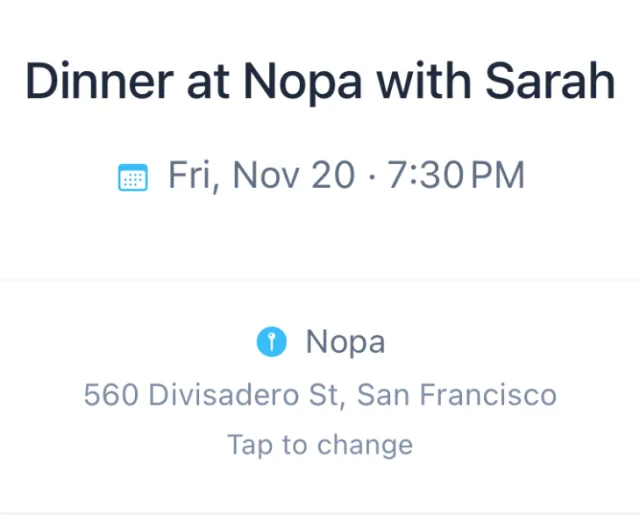
In Composed you tap the mic and say “dentist thursday at 2pm.” On Saturday, November 14, it read that as Dentist, Thursday, November 19, 2:00 PM, and showed it back before saving. Add the office’s name and it finds the address near you. See voice input.
2. Know what to bring.
Half of being late is the search for the insurance card. For “Dentist appointment,” six days out, Composed suggested: bring your insurance card and photo ID; plan to arrive about 15 minutes early for paperwork; have a list of any medications ready the day before. For a pediatrician visit it suggested writing down your questions two days before. You keep what’s useful. See AI prep.
3. Be reminded ahead, not just at the start.
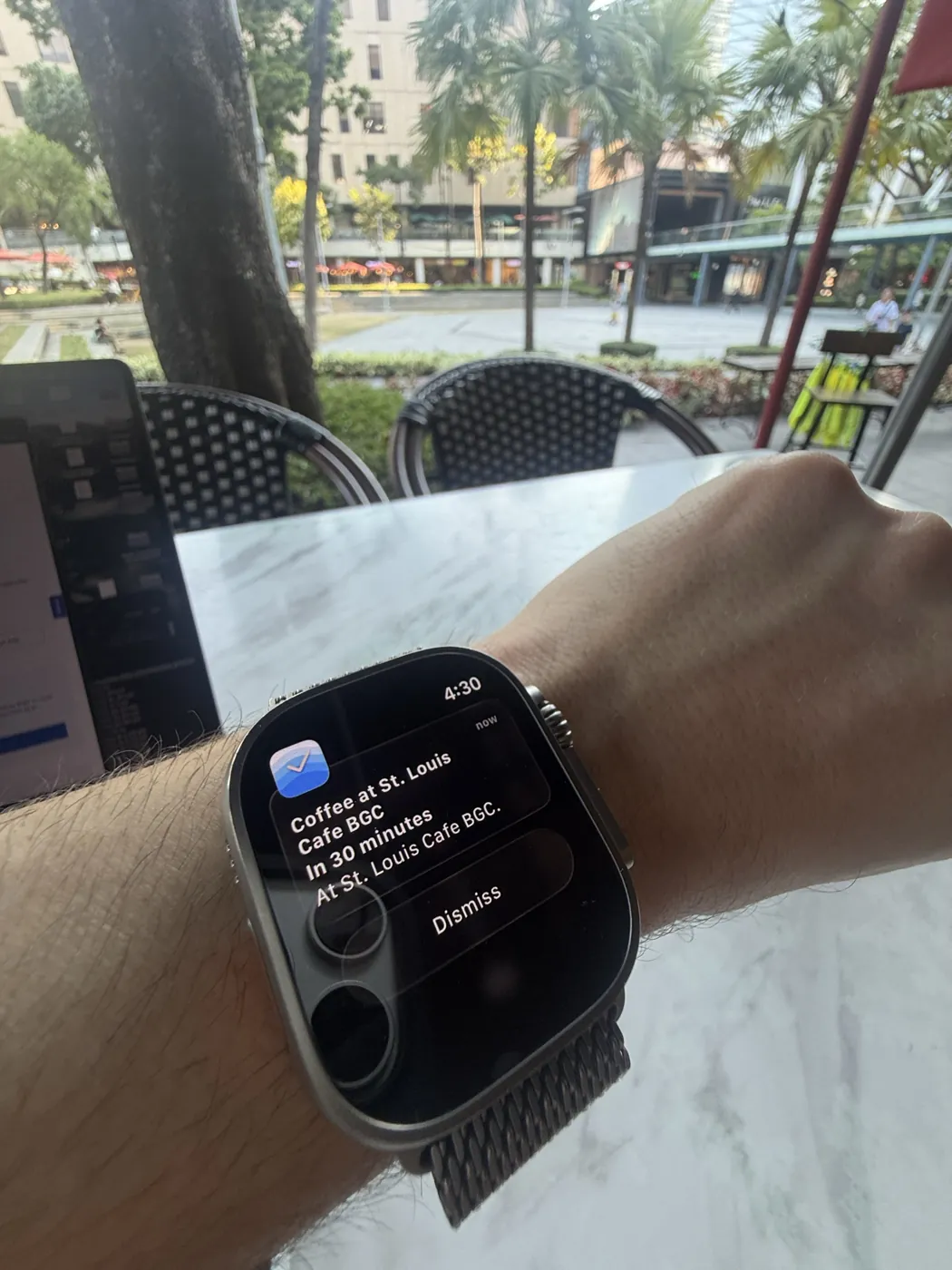
One alert at the start time tells you you’re late. Composed spreads them out: a quiet heads-up when it’s more than a week away, a nudge in the week before tied to the prep, and thirty minutes before it starts. Those early ones hold back once the prep is done. Between 10 PM and 7 AM the early ones wait for morning. You never set any of it.
4. Be told when to leave.
The reminder that matters most is the one at the moment you need to go. For anything with an address, Composed asks Apple Maps how long the trip takes from where you are, with traffic, adds 10 minutes to park and walk in, and tells you then. Open Composed within eight hours of the appointment and it’s worked out again from where you are. When it’s nearly time, a countdown sits on your Lock Screen. See departure tracking.
For the one you really can’t miss, switch on Make this unmissable. On iOS 26 or later, the reminder to leave rings like a Clock alarm until you stop it, even on Silent.
Habits that help in any app.
- Save it before you leave the building. If it’s not saved by the door, it’s not saved.
- Put the address in. A time without a place can’t tell you when to leave.
- Write the one question you came for. Appointments run short; the question you meant to ask is the one that gets lost.
- Book the next one while you’re there. Then do step 1 again.
Frequently asked questions
- Does Composed work with my existing Apple Calendar or Google Calendar appointments?
- Yes. Connect Apple Calendar or Google Calendar and your appointments show in Composed. One with a clear address gets a time to leave like anything you add yourself. Turn on Sync to Calendar and what you add in Composed goes back to your calendar too.
- Will reminders fire without signal?
- Yes. Reminders are scheduled on your iPhone, so they arrive without a connection. Working the trip out again from where you are needs a connection.
- Can it handle repeating appointments, like a weekly session?
- Yes. Say 'therapy every Tuesday at 4' and it repeats every week, with reminders for each one.
- Why are deadlines yellow instead of red?
- Because a date that passed is information, not an alarm. Composed shows deadlines in yellow, a deeper yellow once they've passed, and never says 'overdue'.