Yes, Composed turns a photo of a paper invitation or flyer into a calendar event on iPhone: take the photo or pick it from Photos, and it reads the date, the time and the place, even when they are handwritten, then saves the event with a reminder and a time to leave. It does the same with screenshots of flight, hotel and rental confirmations.
The details of most plans arrive as a picture: a booking confirmation, an invite, a flyer on a pole. Retyping them is where mistakes come from, so you add the picture instead.
How it works.
Tap the photo button when you add something and choose a screenshot or a photo. Composed reads it with AI (Anthropic’s Claude), works out what kind of plan it is, and shows you what it found: the title, the day, the time and the place. Change anything that’s off, then save. Nothing is saved until you do.
Flights.
A flight confirmation becomes the flight: the departure time in the departing airport’s time zone, the airport, and a time to leave for it that counts the airport as well as the drive. Then the flight’s own reminders follow: check-in, a summary, boarding, the gate closing, and any layover. If it can see more than one leg, it asks you to add the rest so the whole trip is together.
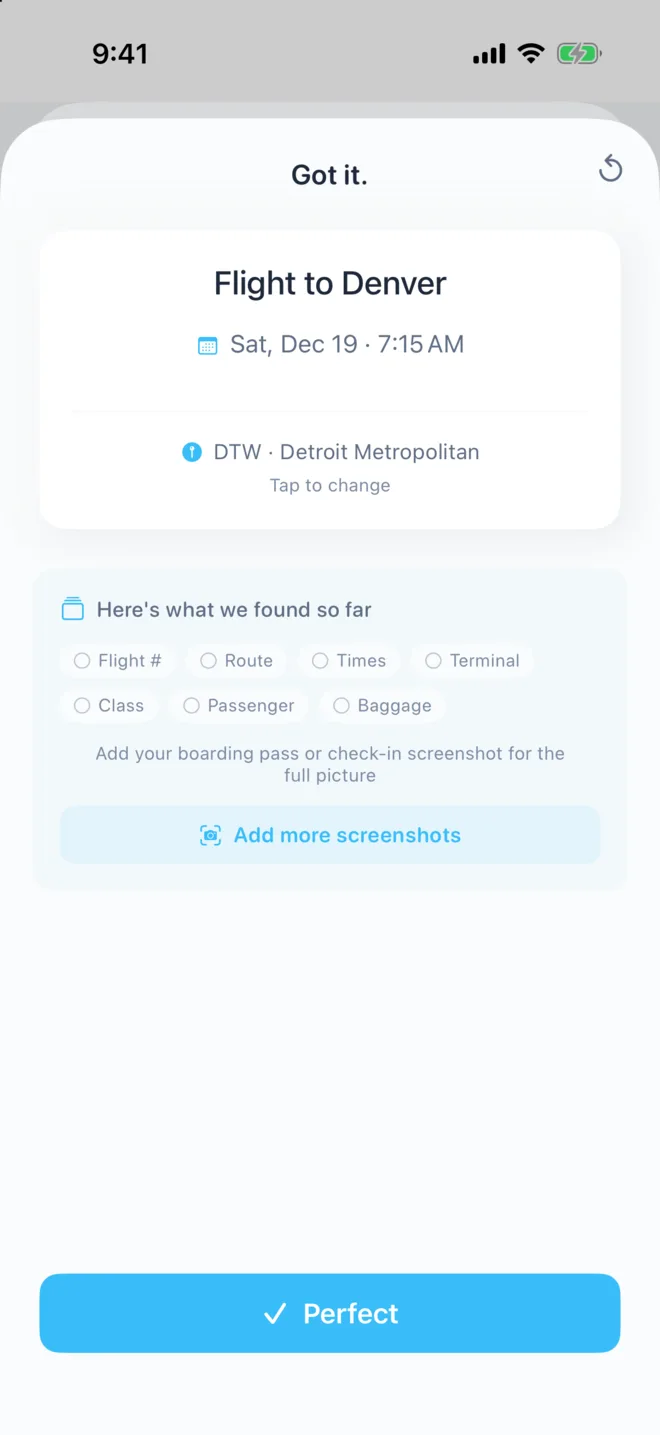
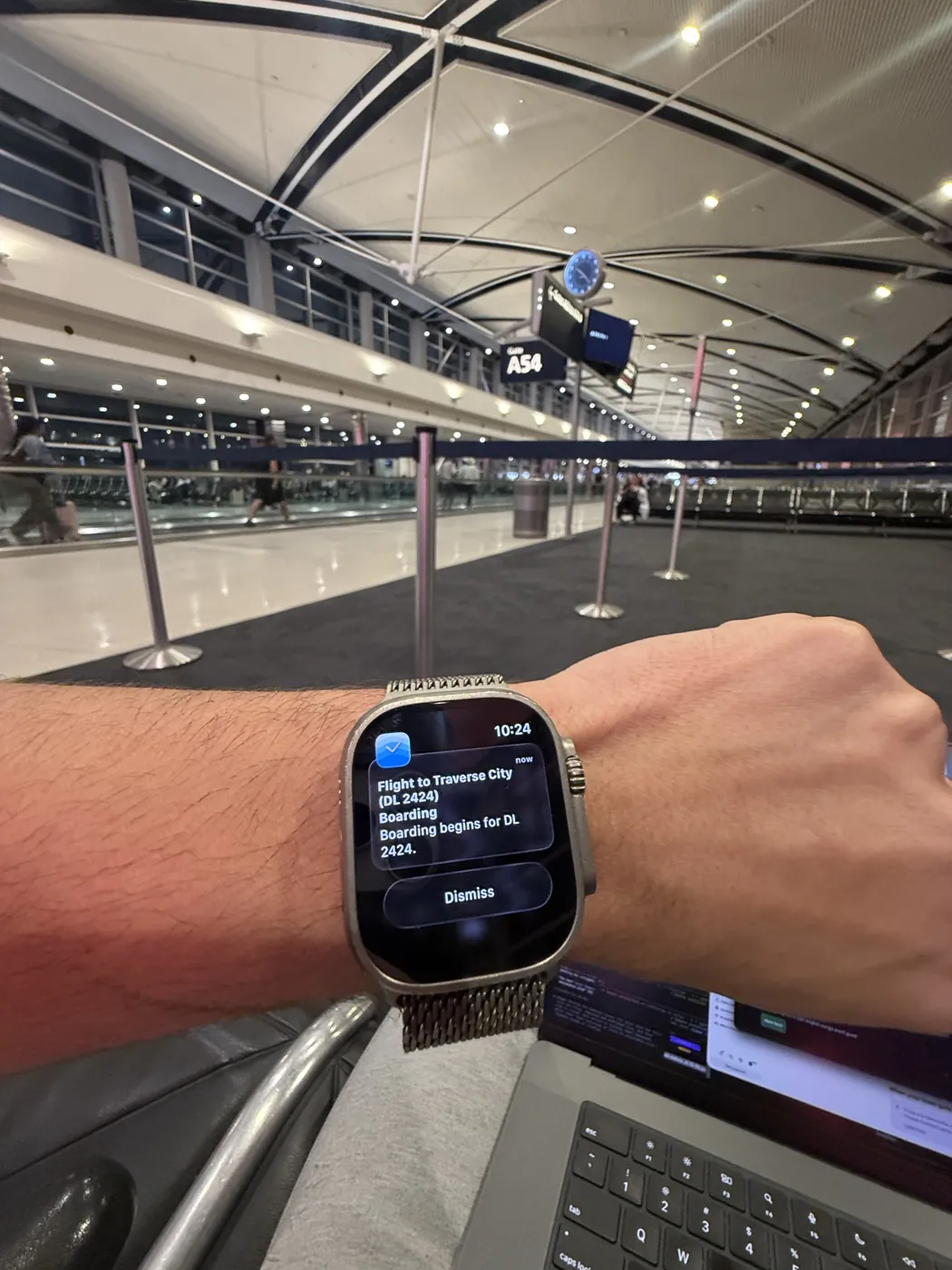
Composed doesn’t connect to airlines, so it won’t know about a gate change or a delay. Check those with your airline.
Hotels and rentals.
A hotel or rental booking becomes a stay that covers every night from check-in to checkout, so it shows on each day of the trip. You’re reminded about check-in, and about checkout before it’s time to go. Lock screens are public, so the reminders never show a door code or a Wi-Fi password.
Invitations, flyers and tickets.
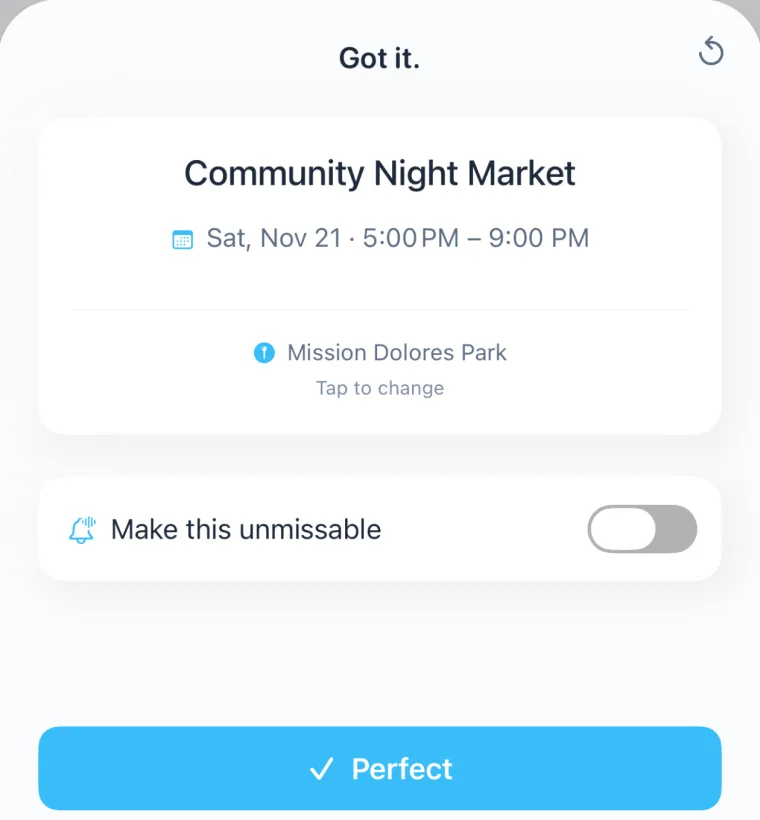
Point the camera at a paper invitation, or pick a photo of it, and it becomes the event: the name, the day, the start and end time, and the place, found on the map so it gets a time to leave from wherever you are. Handwritten cards work too. If the card says who to RSVP to, Composed adds that as a prep step with their number. The photo stays with the event, so you can open it and check what the card said.
More than one screenshot.
Bookings often take more than one screen. You can add another screenshot to the same plan, and Composed adds what it finds there.
Questions people ask.
- What can it read?
- Screenshots and photos of flight confirmations, hotel and rental bookings, invites, tickets and flyers. Always check what it found before you save.
- Can it turn a photo of a paper invitation into a calendar event?
- Yes. Take a photo of the invitation or flyer, or choose one from Photos. Composed reads the date, time and place, handwriting included, finds the place on the map, adds a reminder and a time to leave, and keeps the photo on the event. If the card names who to RSVP to, that becomes a prep step.
- Does it work with a photo, not a screenshot?
- Yes. A photo of a paper ticket or a poster works the same way.
- Where does the image go?
- It’s sent to our server to be read, and the result comes back to your phone. We don’t sell data. You can delete your account and everything in it from Settings.