Your calendar tells you where you’re meant to be. It doesn’t tell you when to leave for the client across town, or that the deck needs a backup copy. Composed does those parts.
Your work calendar, brought in.
Connect Apple Calendar or Google Calendar and your meetings show on Today next to everything else. A meeting whose location is a clear address gets a time to leave, like anything you add yourself.
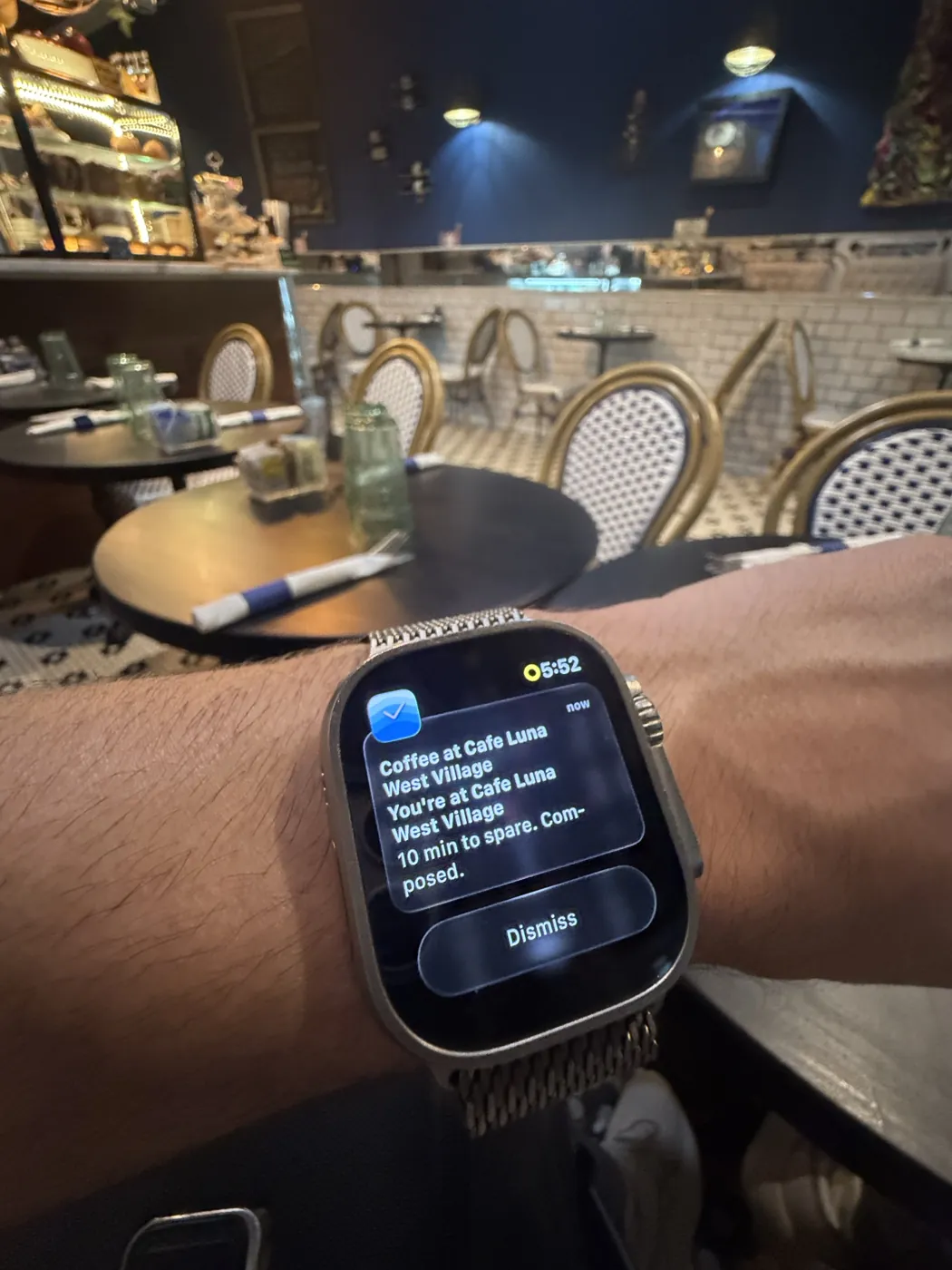
Leave for the meeting on time.
For a meeting somewhere else, Composed works out the trip from where you are with Apple Maps traffic, plus a few minutes to park and walk in, and tells you when to go. Arrive early and it says how much time you have.
Prep for the ones that matter.
For “Client presentation,” four days out, Composed suggested, two days before: save a backup of the slides on a cloud drive and a USB drive, and run through it out loud once, timed. The day before: have short answers ready on pricing, timelines and scope. You keep what’s useful. See AI prep.
Deadlines without a meeting.
“Send the Q4 proposal by Friday.” It goes on your list with its due date and waits there, plainly, until it’s done. For one with a set time, switch on Keep reminding me until it’s done and it checks in through the day until you tick it off.
One day, not two calendars.
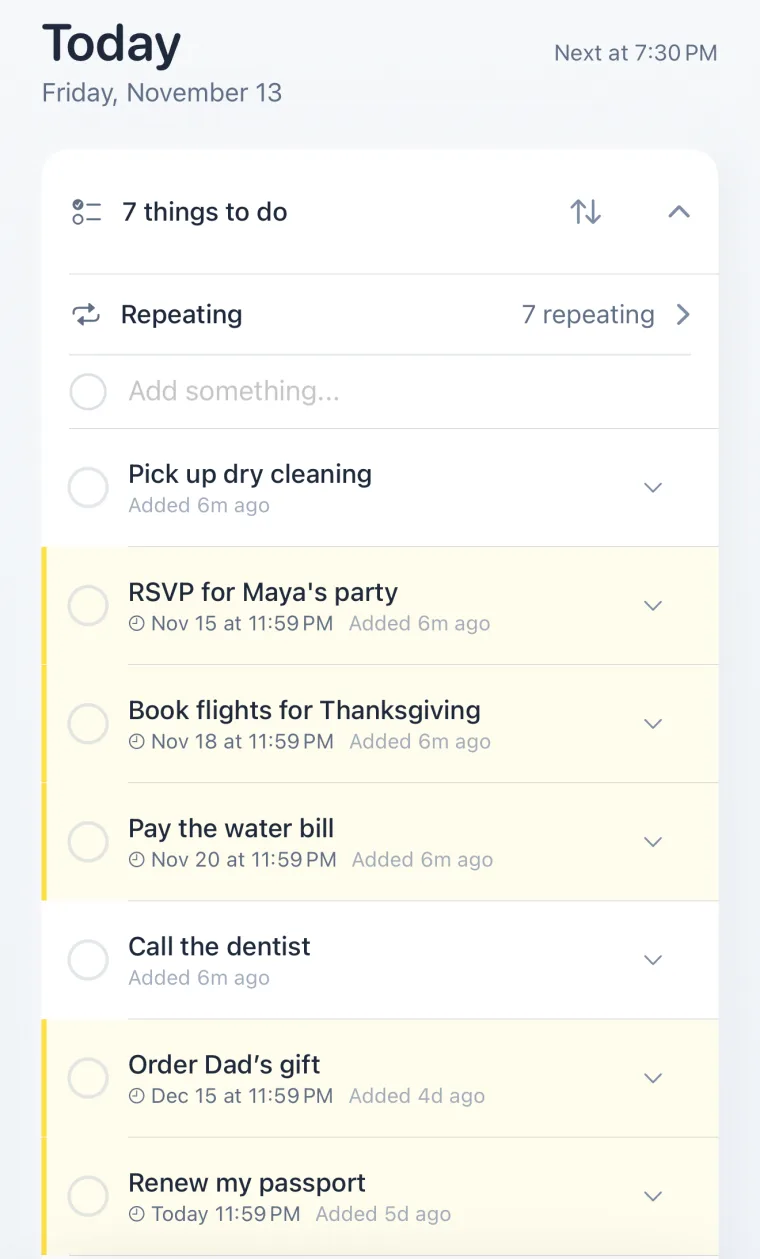
The dentist, the school pickup and the 2 PM review are one day. Composed shows them together, so the gap you thought you had for lunch is really there.
A brief in the morning, if you want one.
Turn on the morning brief and, on a day with something timed, a notification at the hour you choose says what’s ahead. No plans, no brief.
Work trips.
Add the flight and the hotel from their bookings: check-in, boarding, the gate closing, and a time to leave for the airport. See flight intelligence.